DROdio.com

Content I’ve written for
Video Content

Practical writing, videos, lessons, and shipped work from Daniel R. Odio, selected for Video Content.

12 items

Illustration for Content Magic: Using SocialCam to Capture & Share Your Expertise

Content Magic: Using SocialCam to Capture & Share Your Expertise

You've tried recording videos before but they sat on your phone or took forever to upload everywhere—this shows you the exact setup (windshield mount, hashtag trick, one-click distribution) that turns sporadic recording into a repeatable system that actually gets seen. The real payoff is the distribution hack that does the tedious multi-platform posting for you.
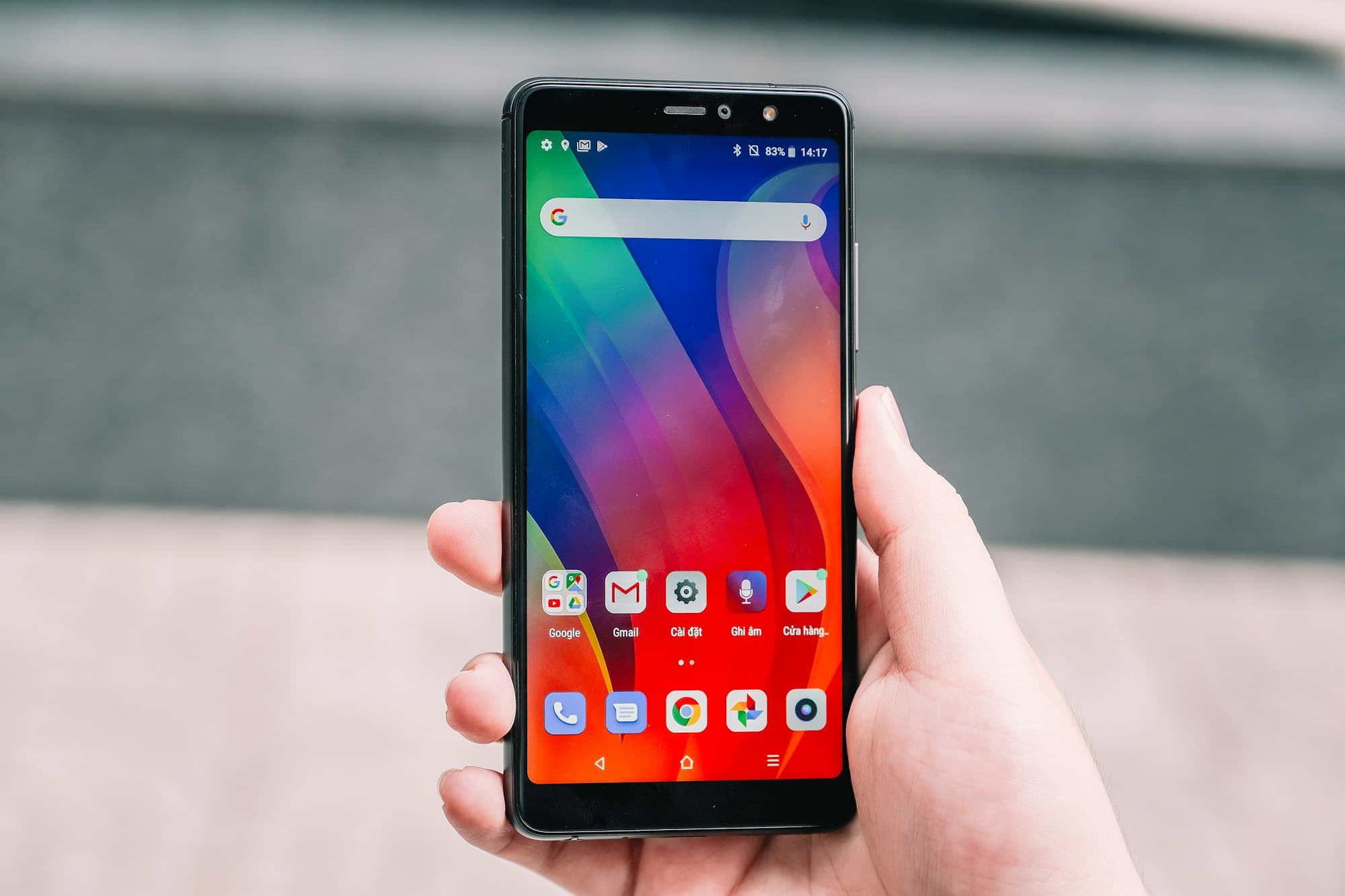

Illustration for Cinegram is really cool

Cinegram is really cool

You've probably tried making animated content before and gotten frustrated with clunky workflows or disappointing results. Cinegram nails the photo-video mashup in a dead-simple app that actually works, giving you a new content format to experiment with when your usual tricks aren't landing.

Illustration for How I made the Socialize demo video using an iPad, PowerPinch & a BlackMagic box

How I made the Socialize demo video using an iPad, PowerPinch & a BlackMagic box

You've probably tried screen recording on your iPad and hit a wall when the output looked janky or the audio didn't sync — this shows you the specific hardware setup (BlackMagic box, HDMI adapter, USB headphones) that actually works, plus the iMovie workflow that saves you from wrestling with export settings. It's the recovery path from 'I can't figure out how to capture this cleanly' to 'I shipped a demo video today.'

Illustration for Killer Panos

Killer Panos

You've probably tried iPhone pano apps and been disappointed by washed-out or flat results. This piece reveals the specific filter combo (clarity + diana overlay + cross-process border) that transforms mediocre panos into eye-catching shots—no guesswork required.

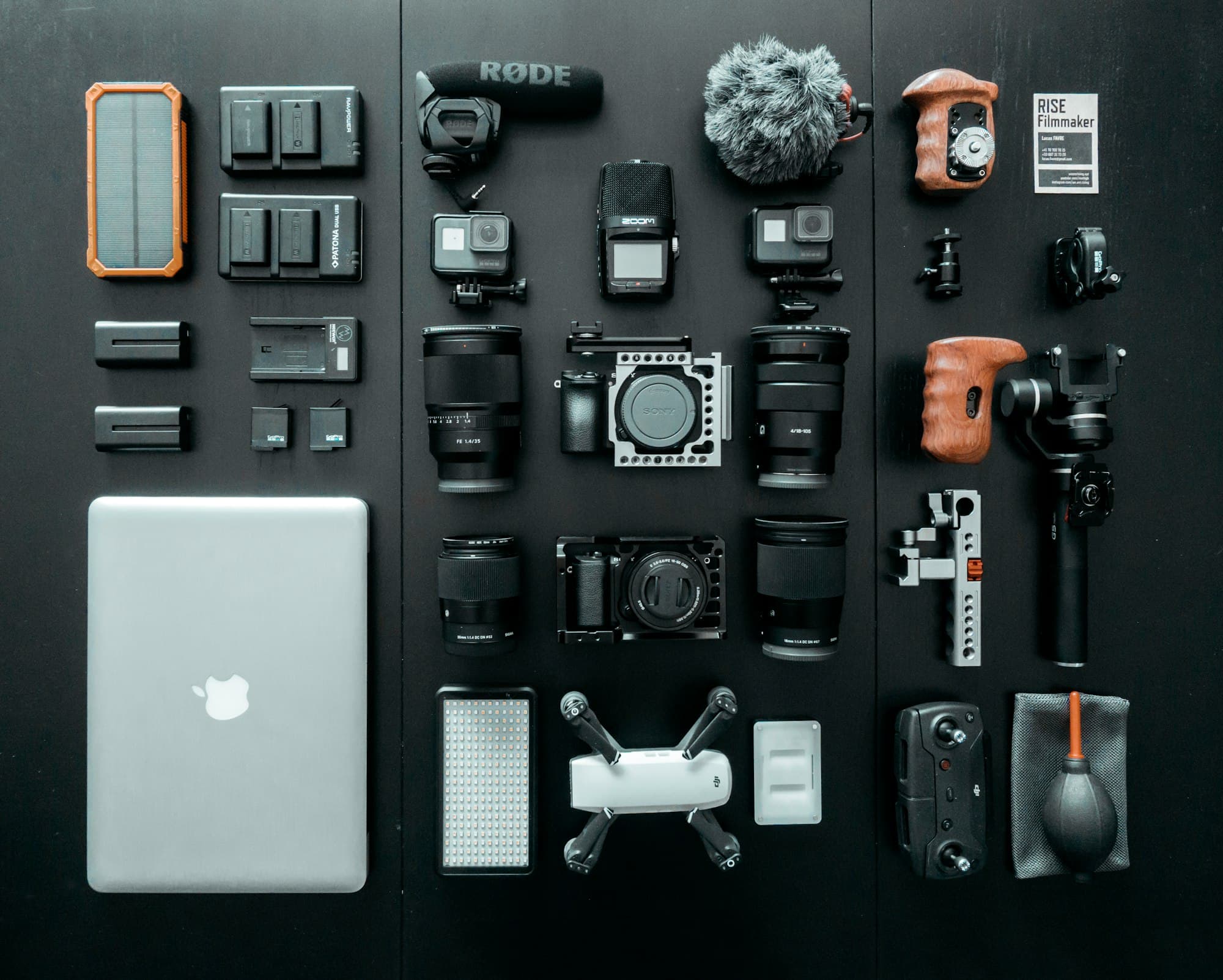
Illustration for My awesome sub-$500 HD Camera Setup

My awesome sub-$500 HD Camera Setup

You think you can just use your phone, but when your recording fails at the worst moment (like DROdio's did mid-speech), you'll wish you had this redundant two-tier setup: a $175 always-in-bag kit and a $400 serious rig with proper audio. He lists every component with Amazon links so you stop second-guessing your gear.

Illustration for How to make a video blog and screencast

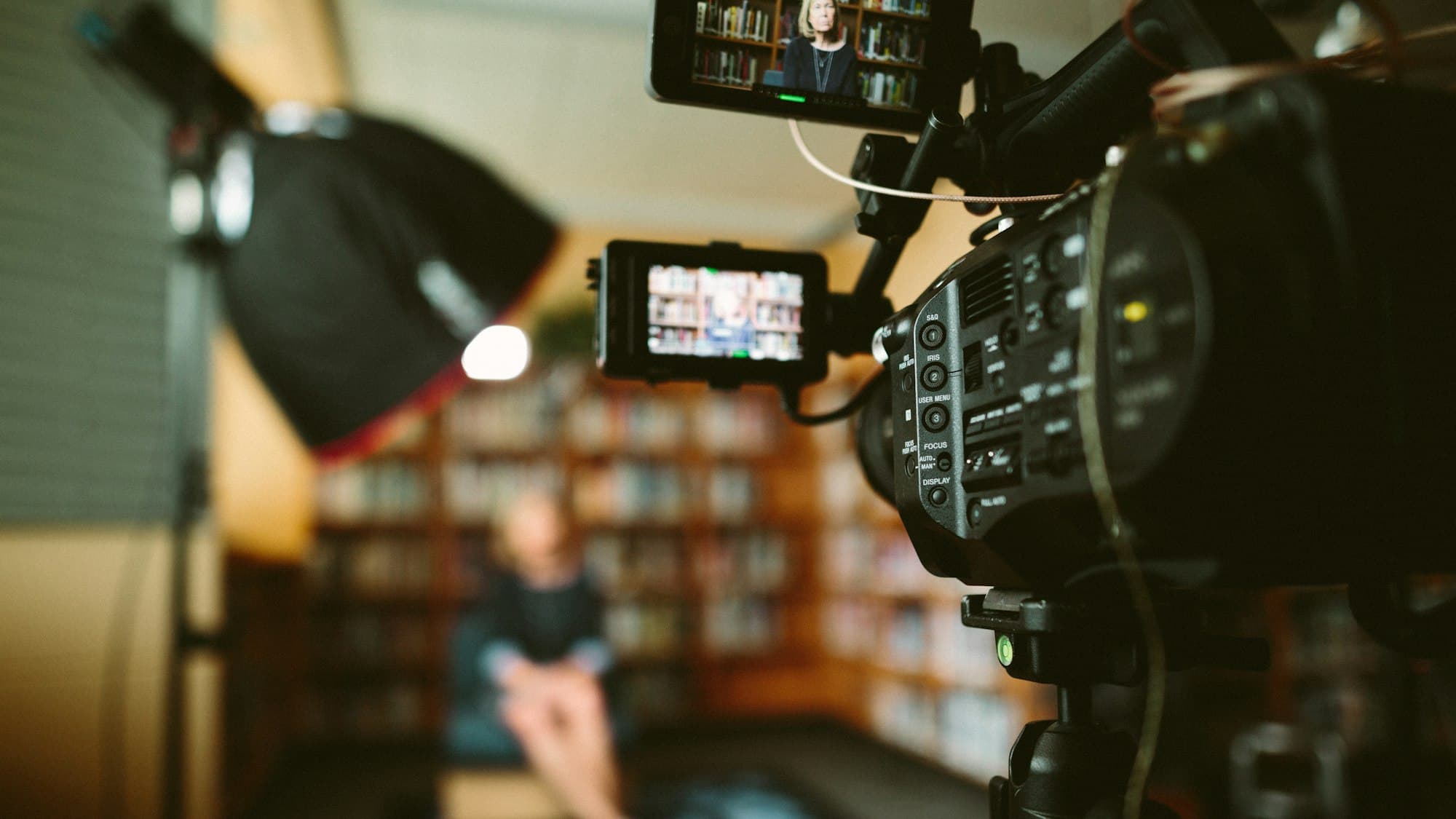
How to make a video blog and screencast

You've probably tried recording something and ended up with a mess of file formats, bad audio, or videos too big to share. This breaks down the specific tools that handle recording, screencasting, and uploading without the usual technical disasters—so you can actually ship instead of troubleshooting.

Illustration for Live Streaming from the iPhone

Live Streaming from the iPhone

Before you cobble together another Zoom screen-share or wrestle with OBS settings, know that live streaming from mobile is now a one-tap install. You've probably overthought this problem — uStream on iPhone means you can broadcast in real-time without configuration hell or needing to understand encoding, bandwidth, or RTMP.